

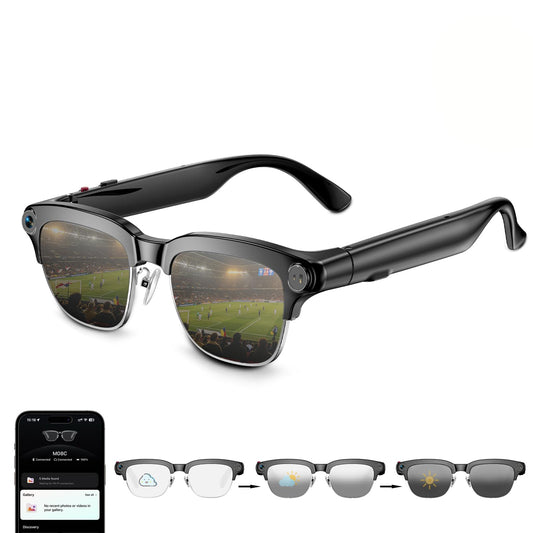
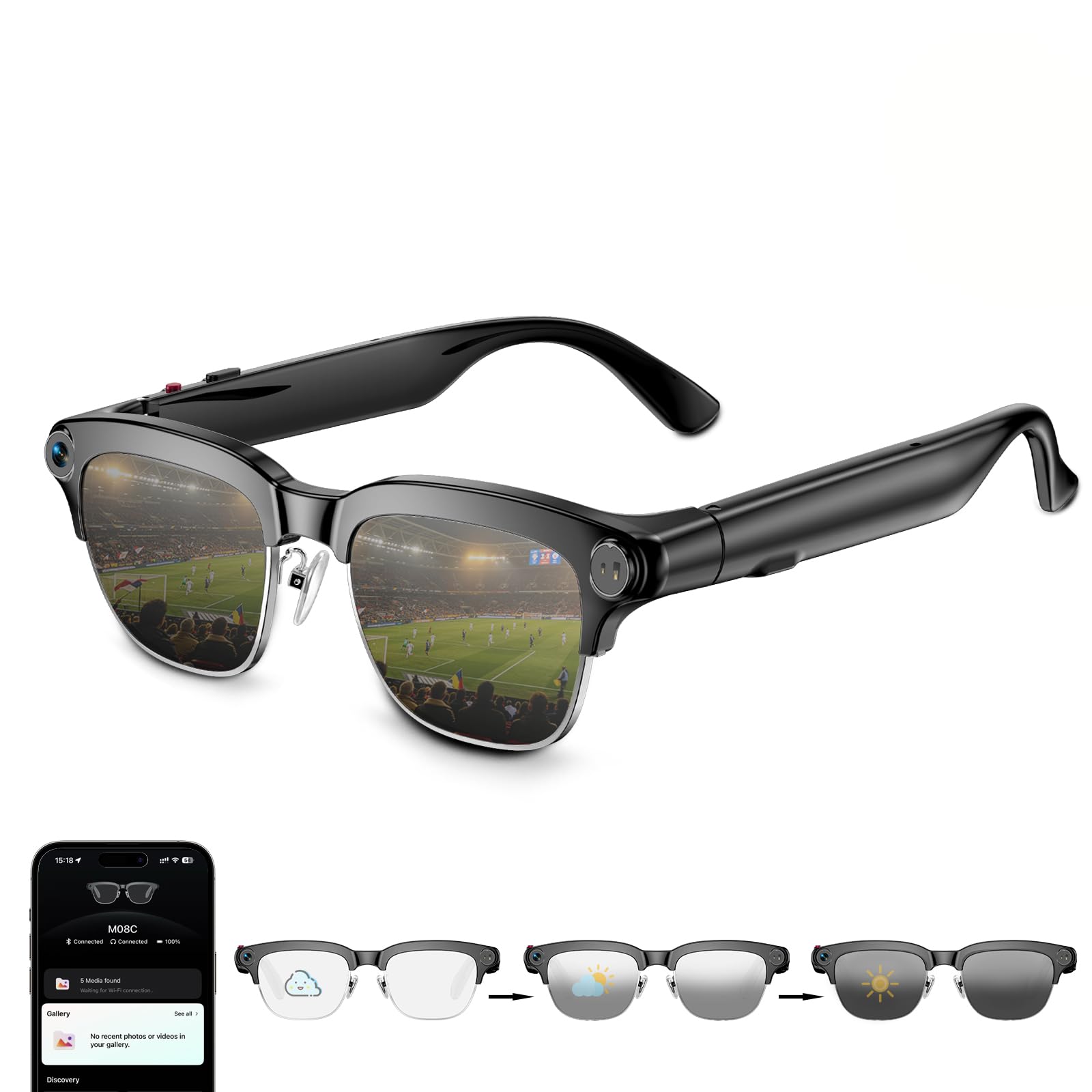
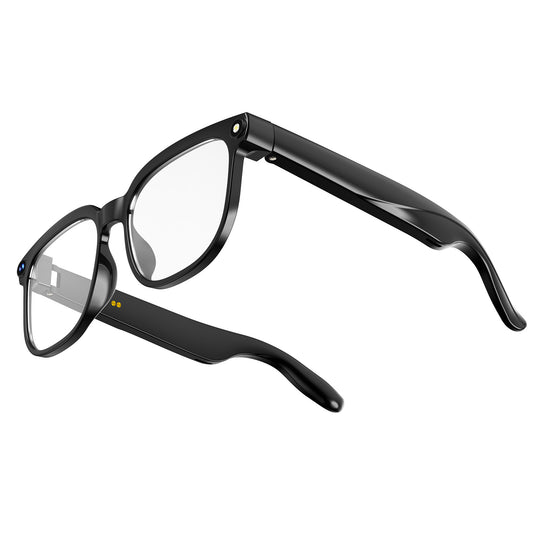
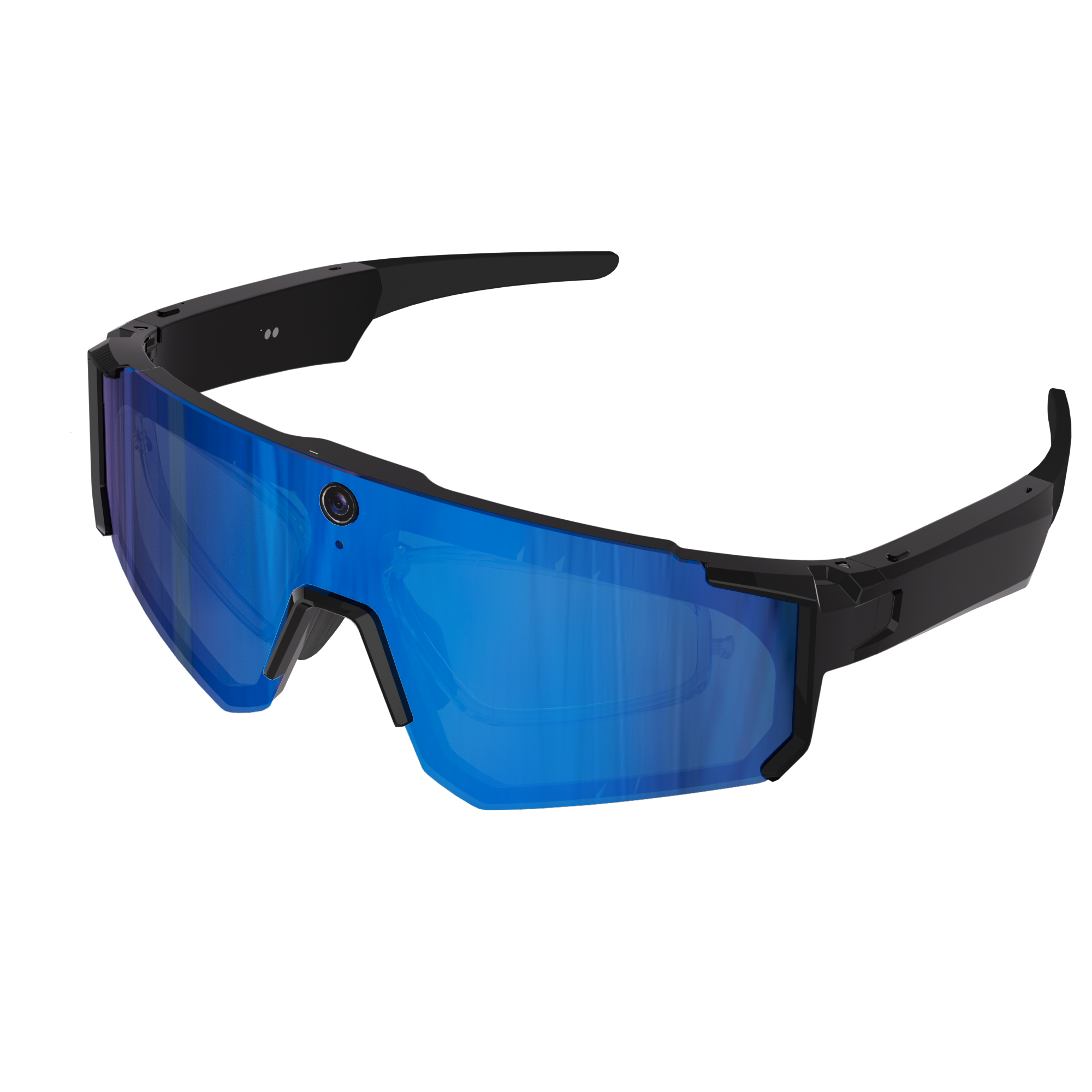
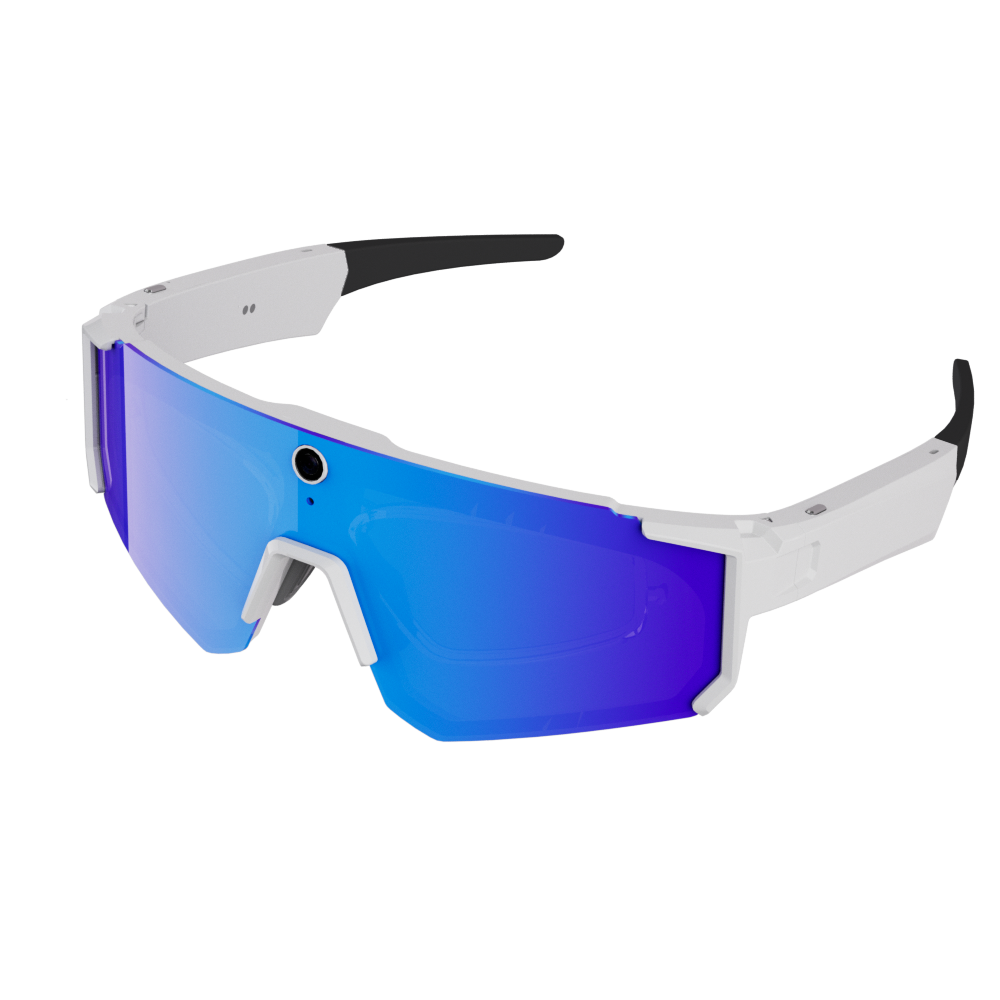
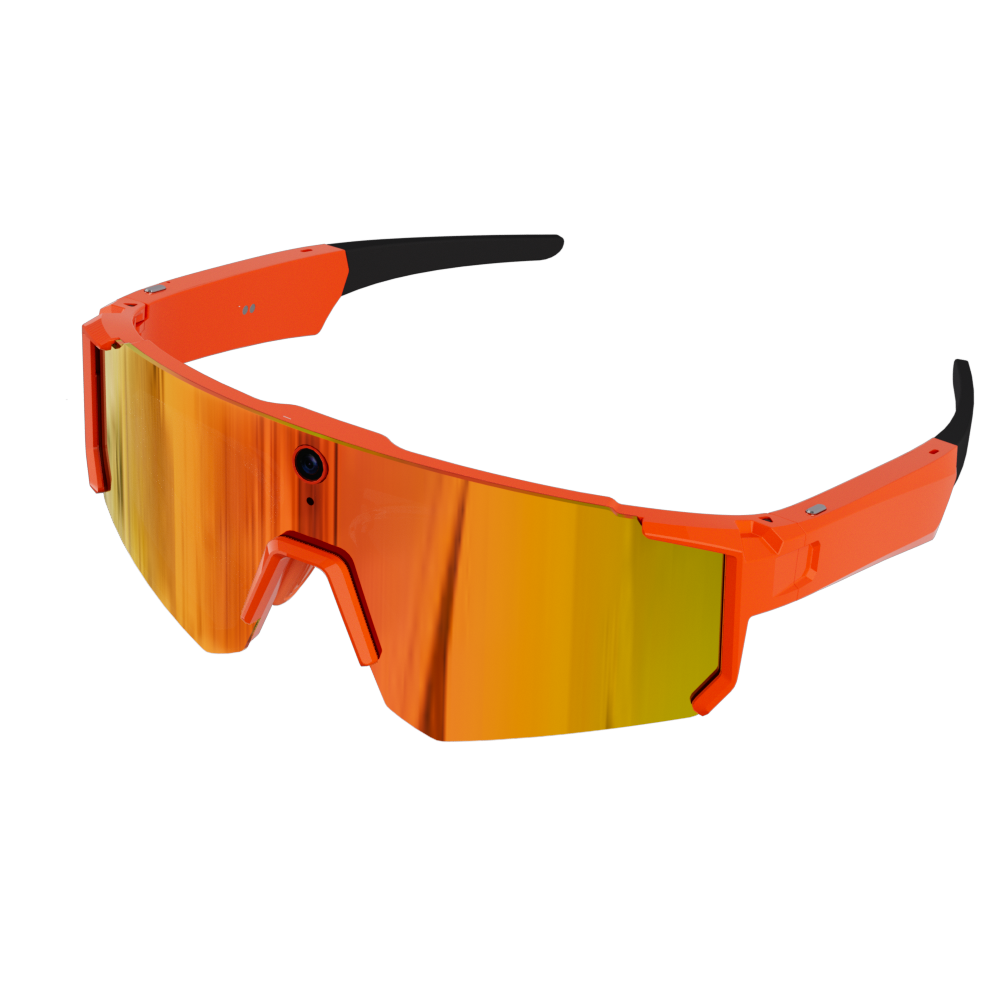
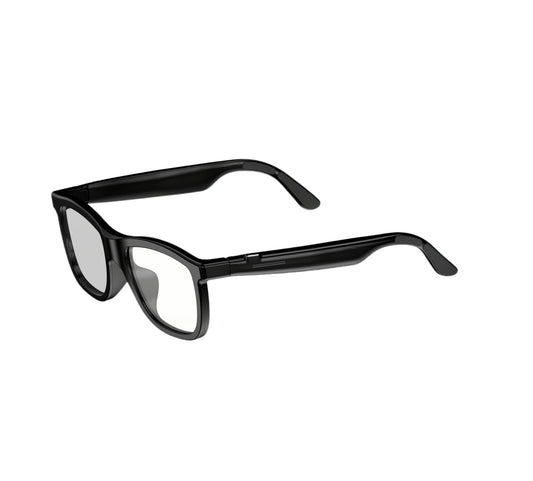
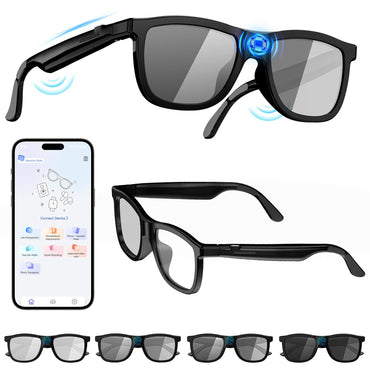
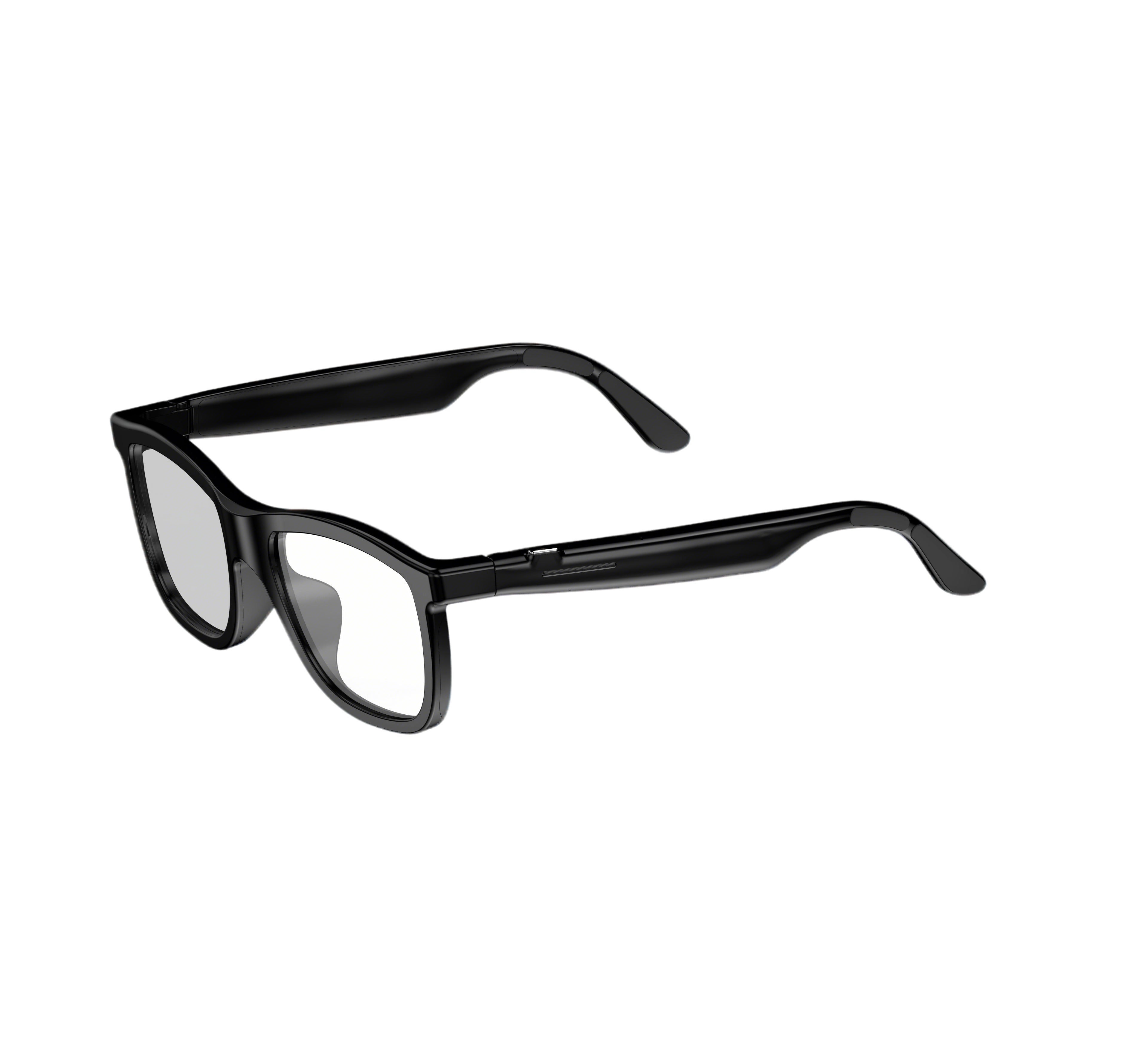
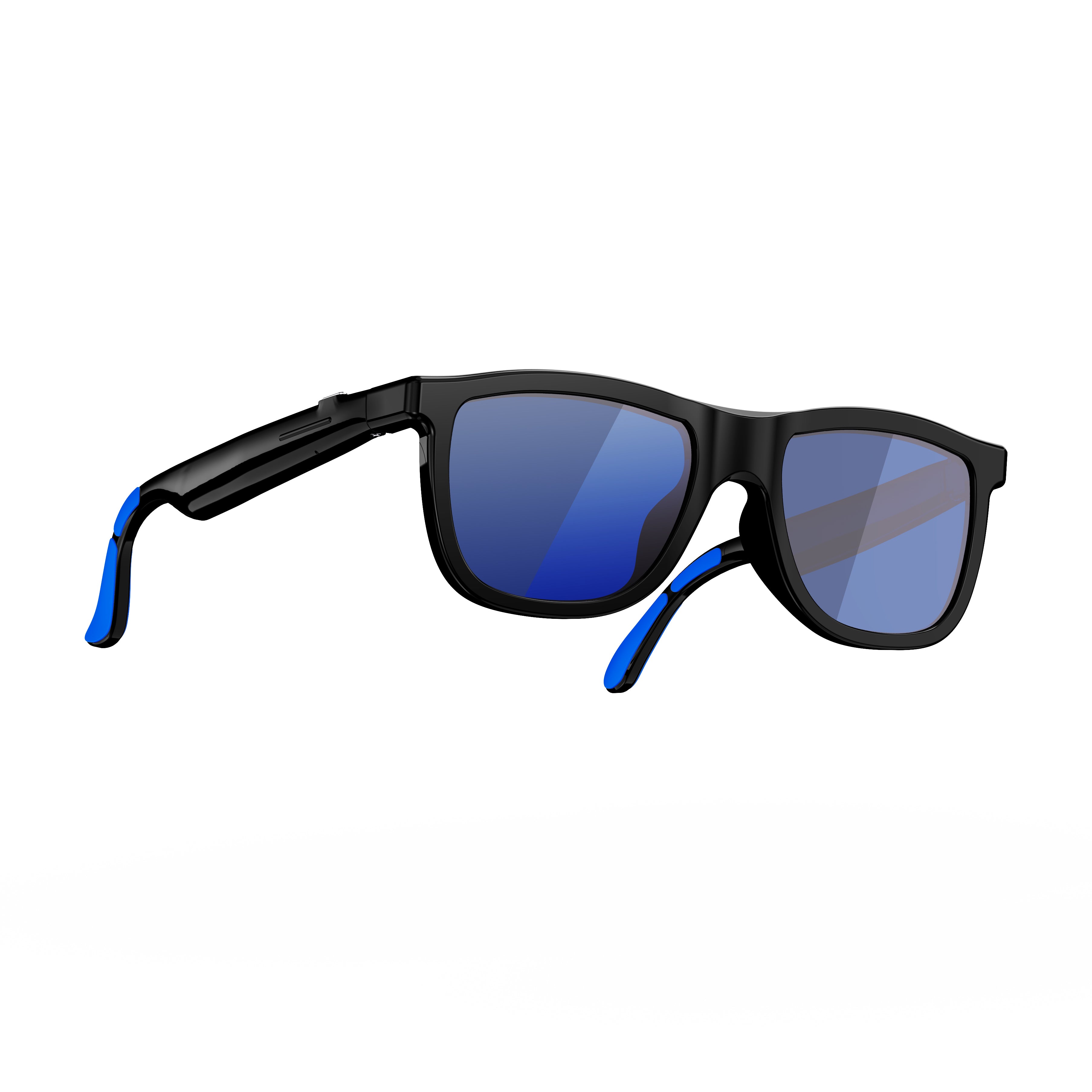
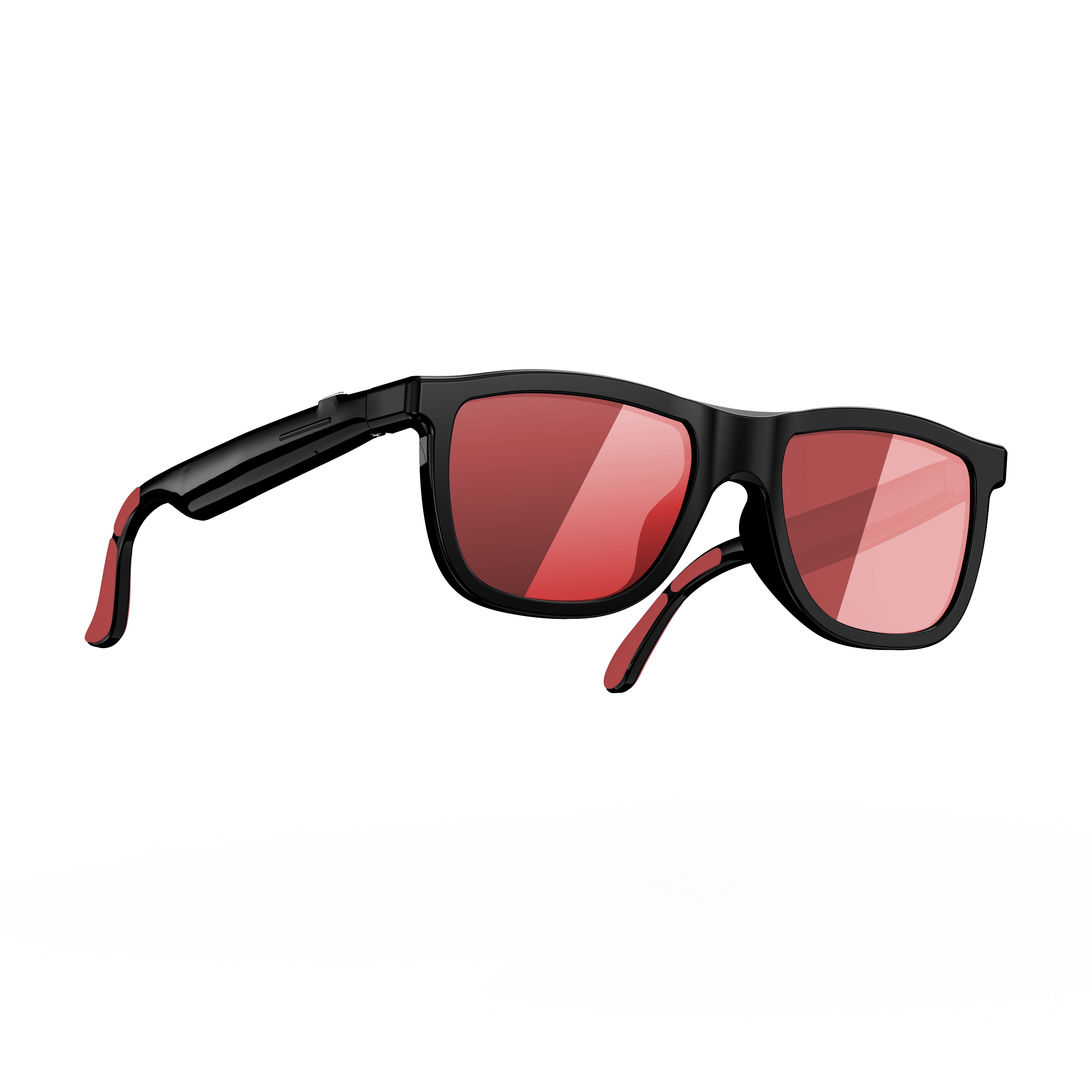
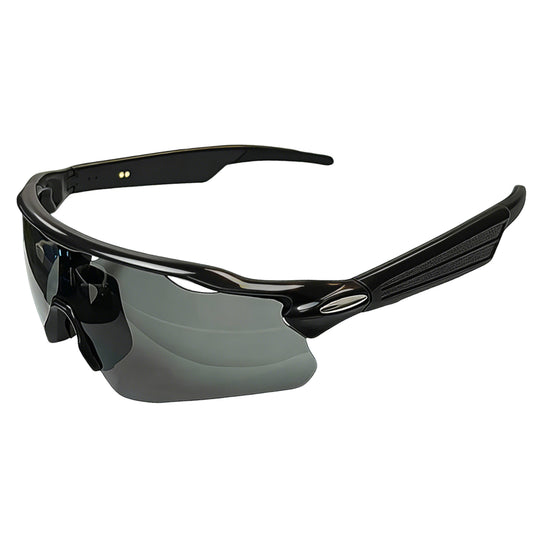
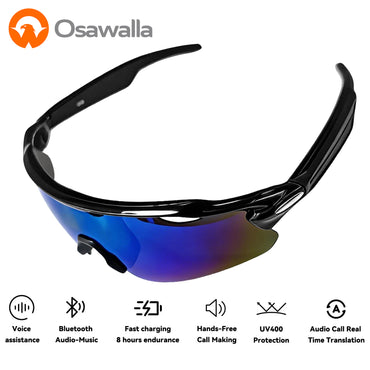

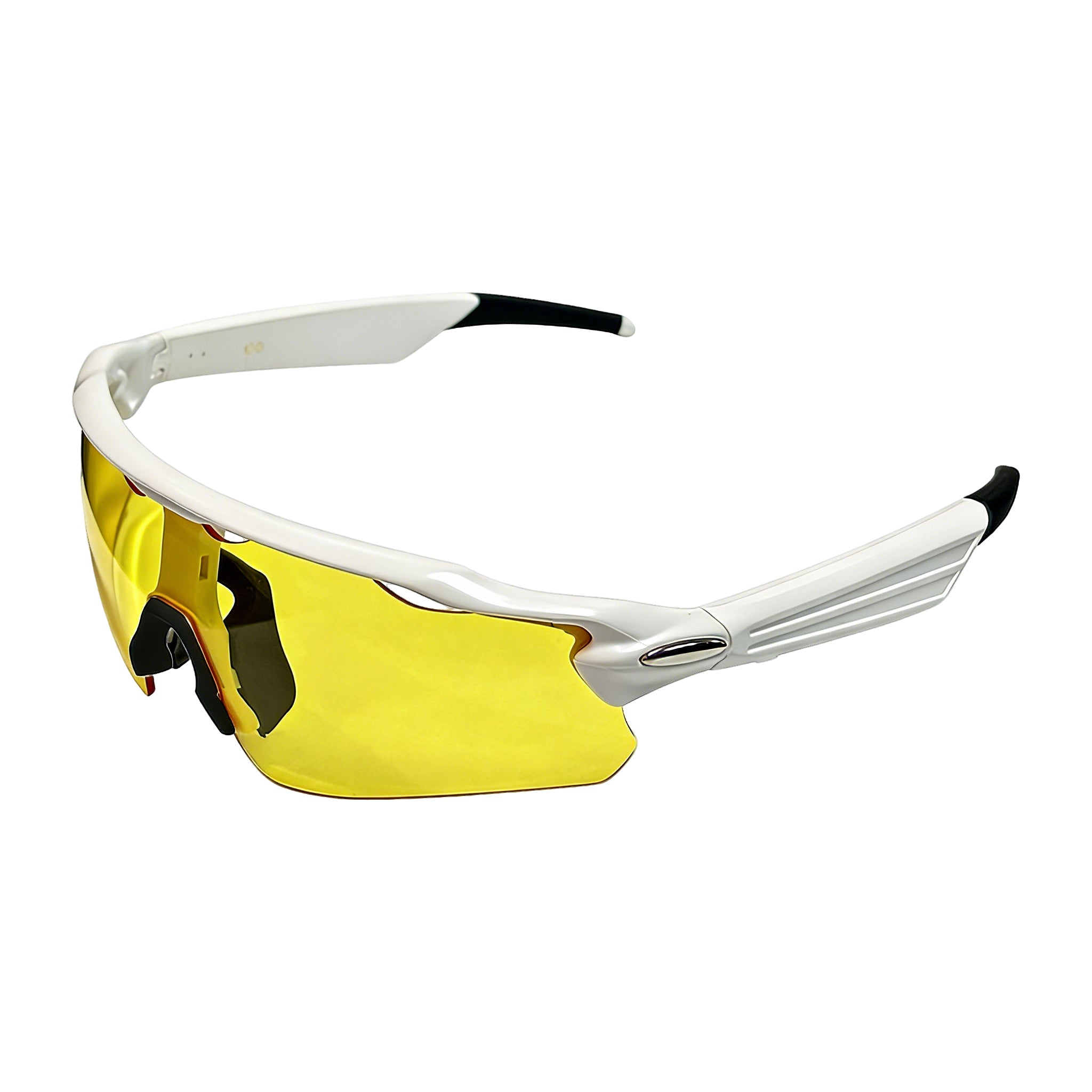
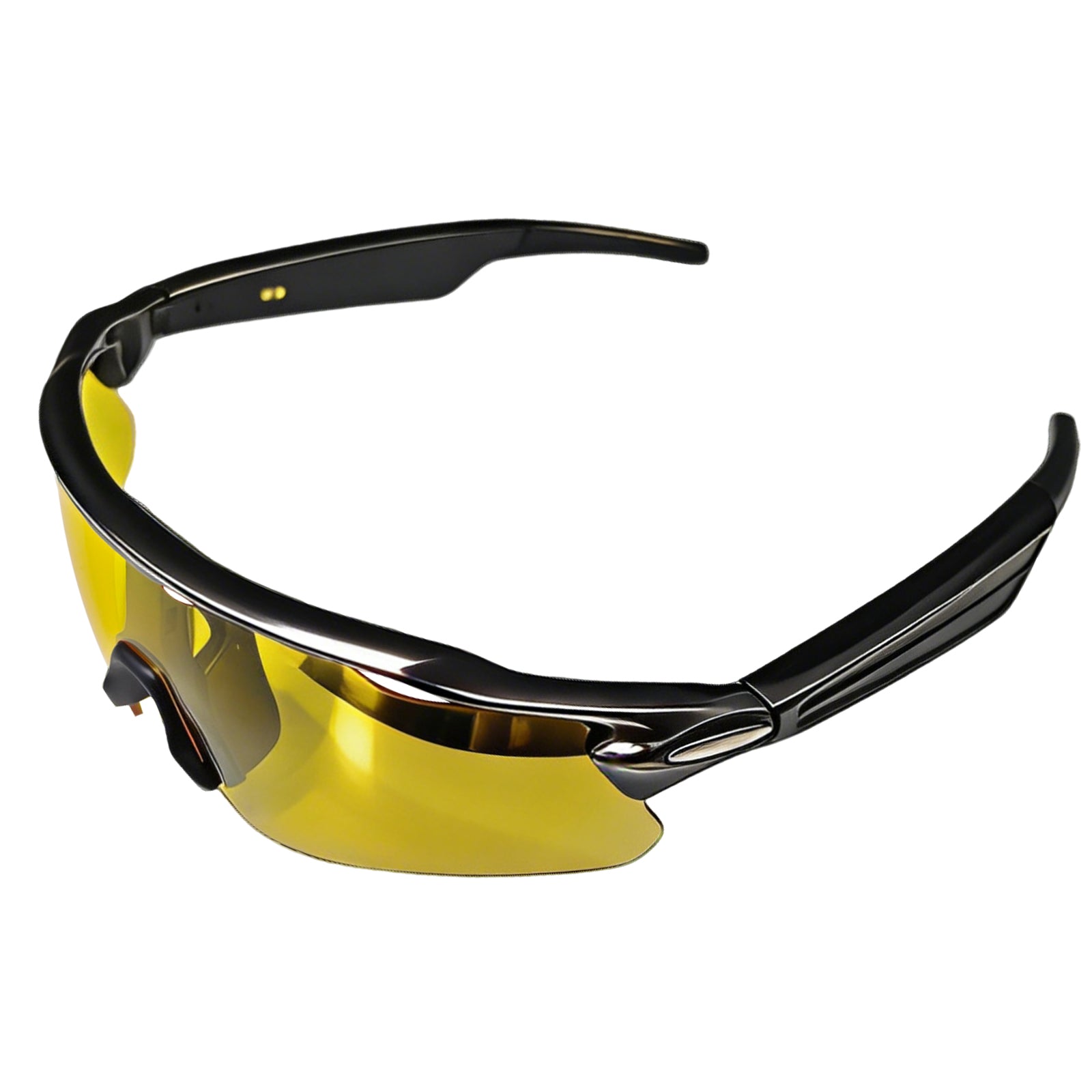
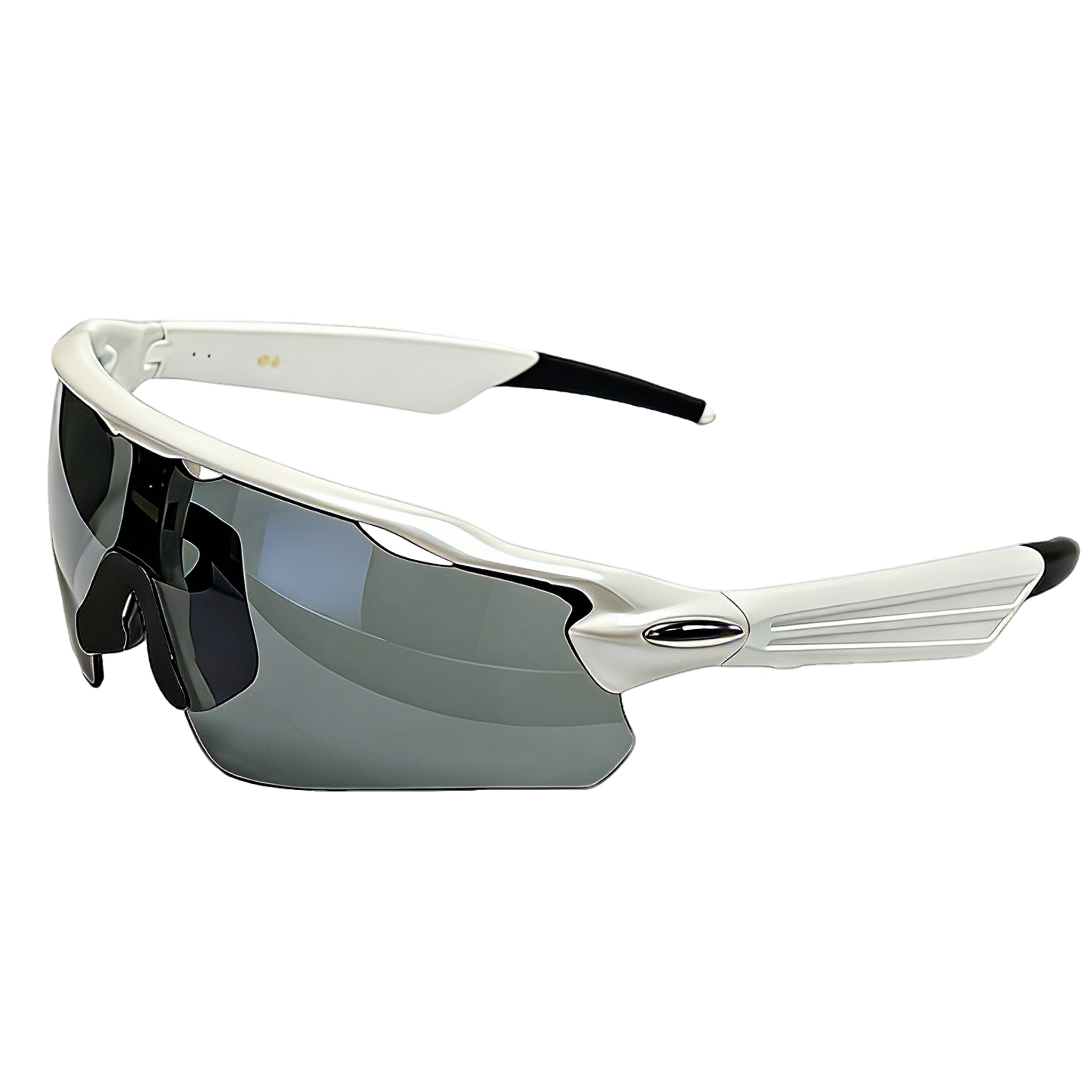






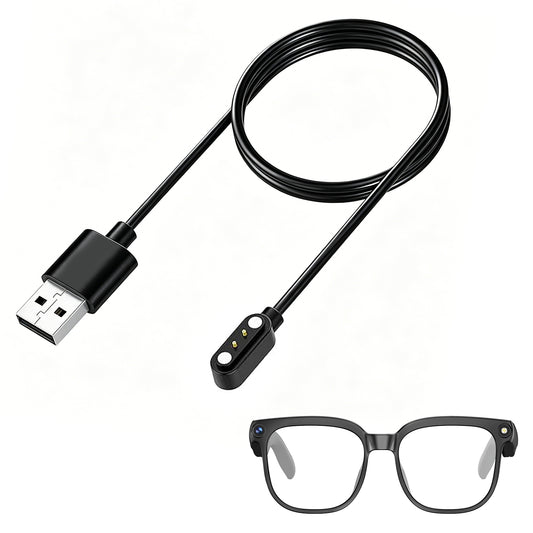
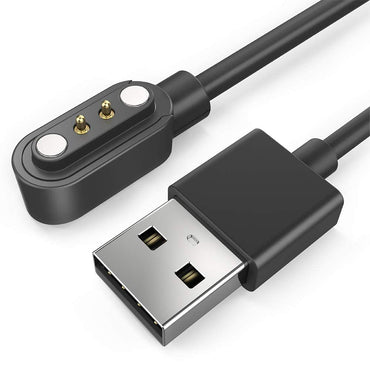
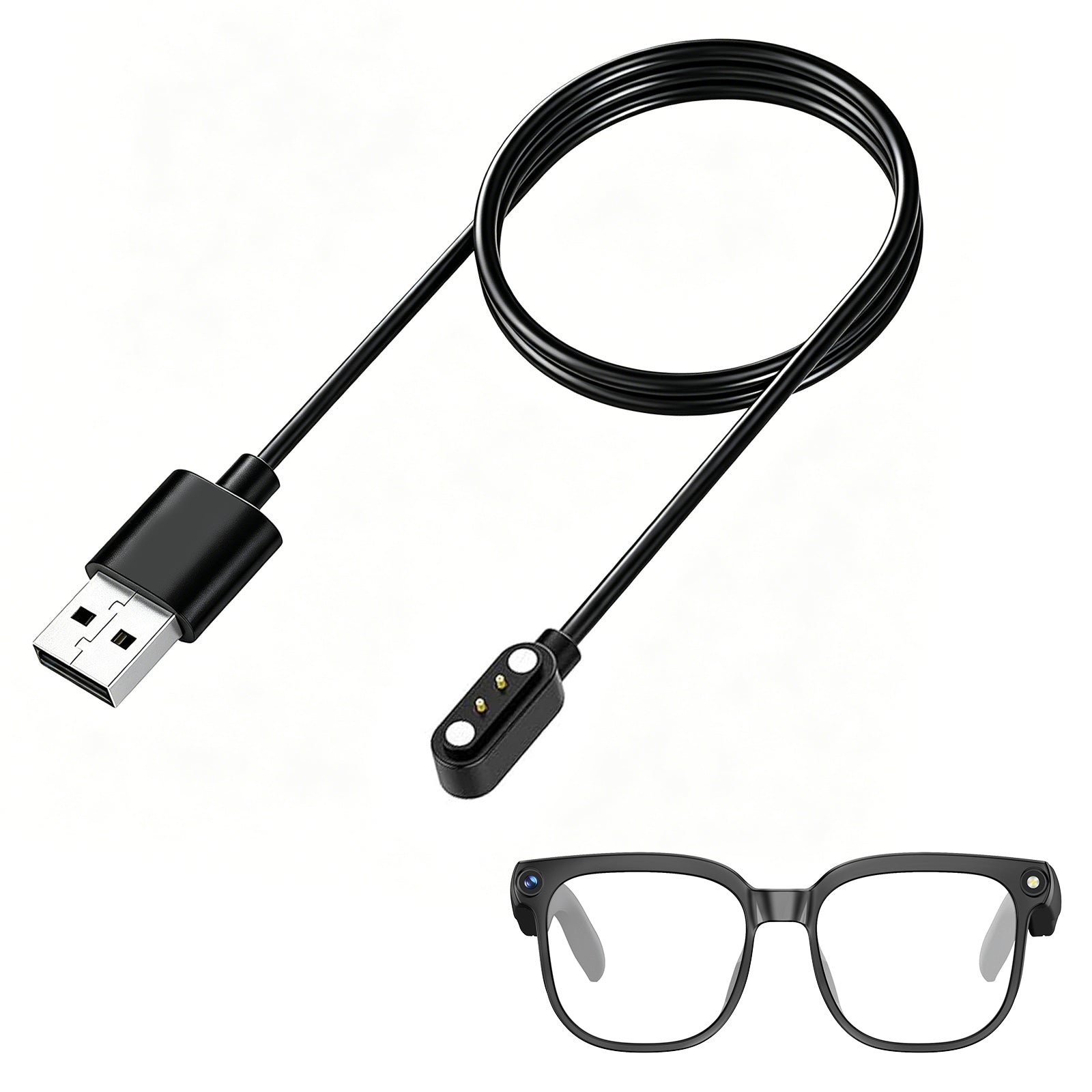




GP02 smart glasses with camera
SKU:GP02-B03
Couldn't load pickup availability


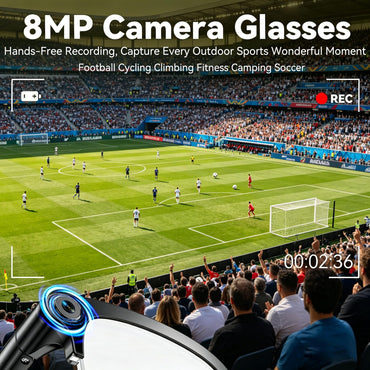
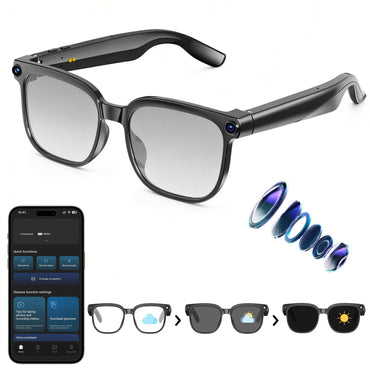
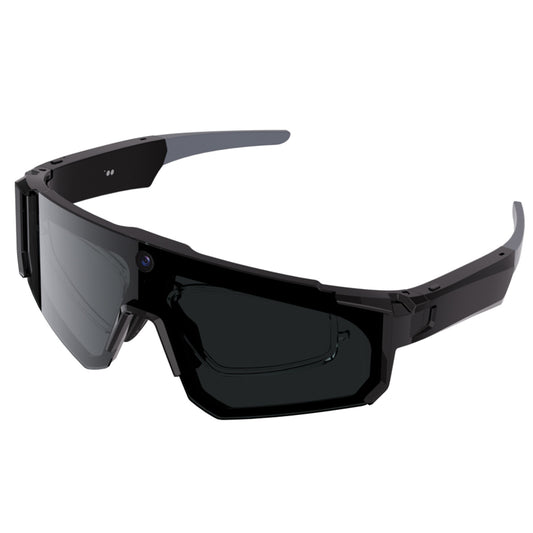
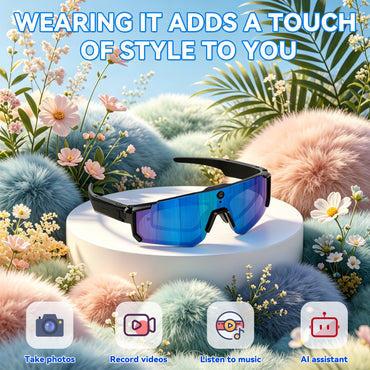
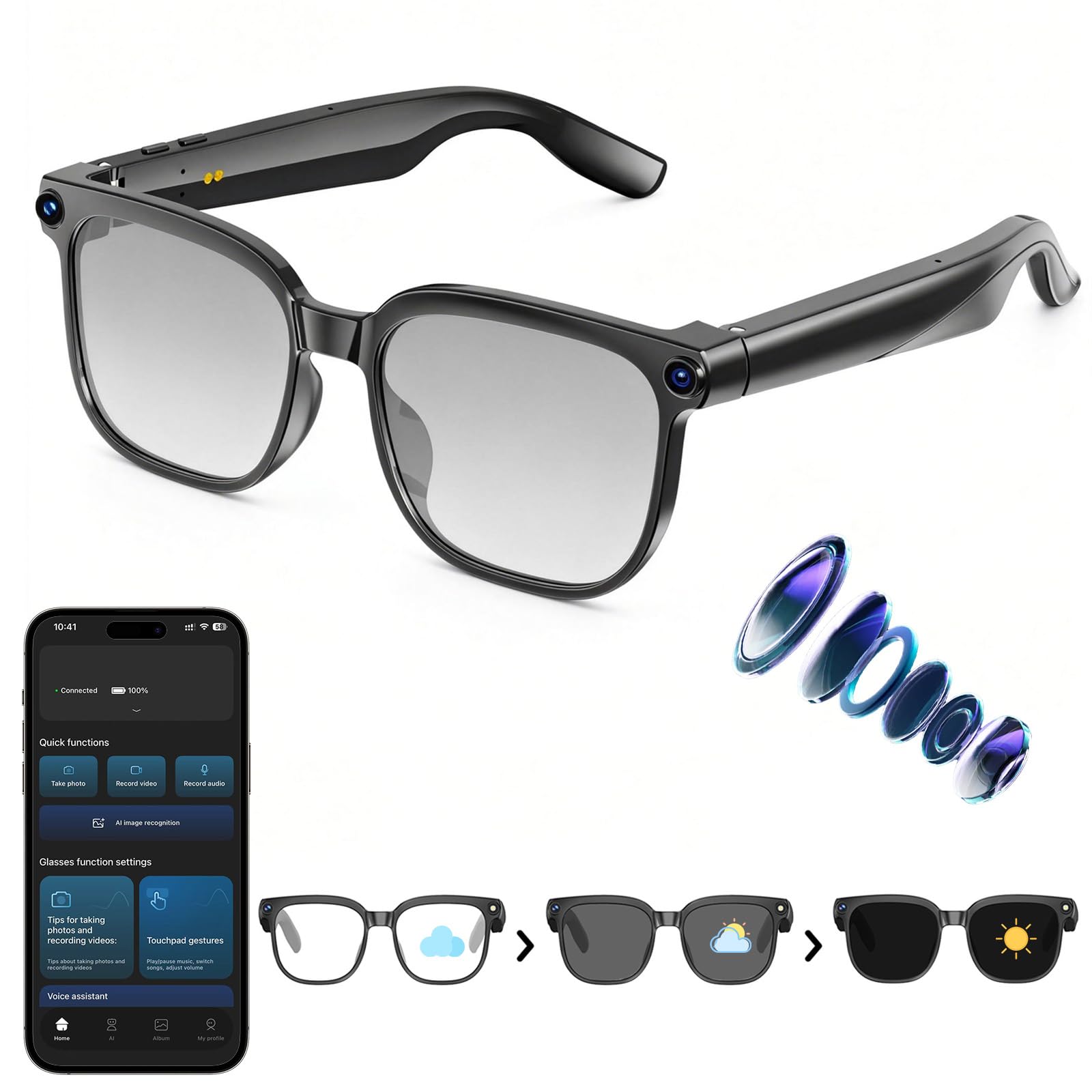
- 【1080P HD Video & 8MP Photo Capture】Built-in 8MP anti-shake camera delivers crisp photos and stable 1080P videos, supporting up to 1 hour hands-free recording for travel vlogs and outdoor shooting.
- 【AI Object Recognition & Real-Time Translation】ChatGPT-powered "Hey Cyan" voice assistant delivers instant responses, real-time object recognition and two-way translation covering 139+ languages for travel, study and business.
- 【Automatic Sync & Clear Voice Calling 】Bluetooth 5.4 & Wi-Fi auto-sync footage to your phone. Dual ENC mics cut background noise for clear calls; touch controls adjust volume, take calls and activate AI, suitable for commute, driving and office.
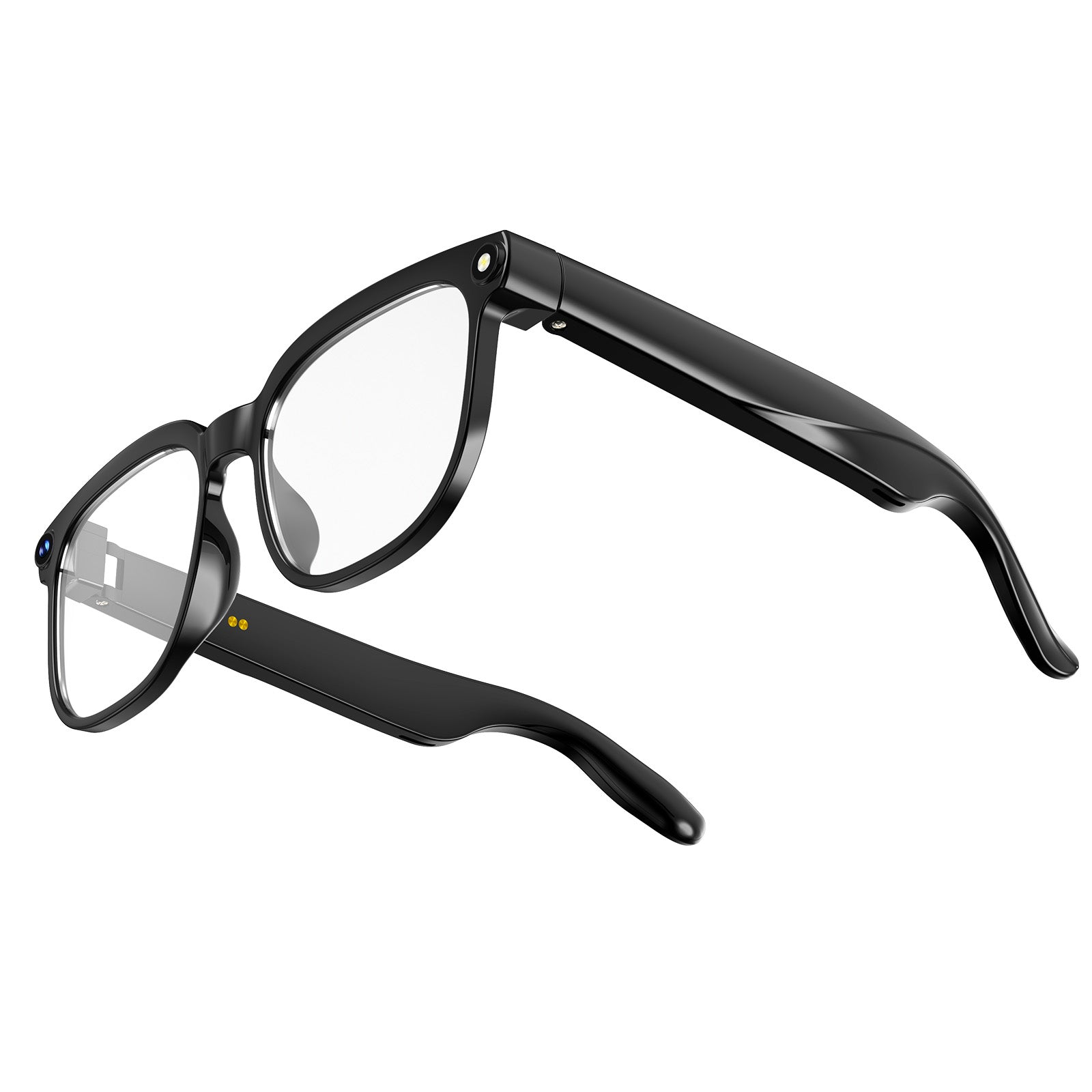
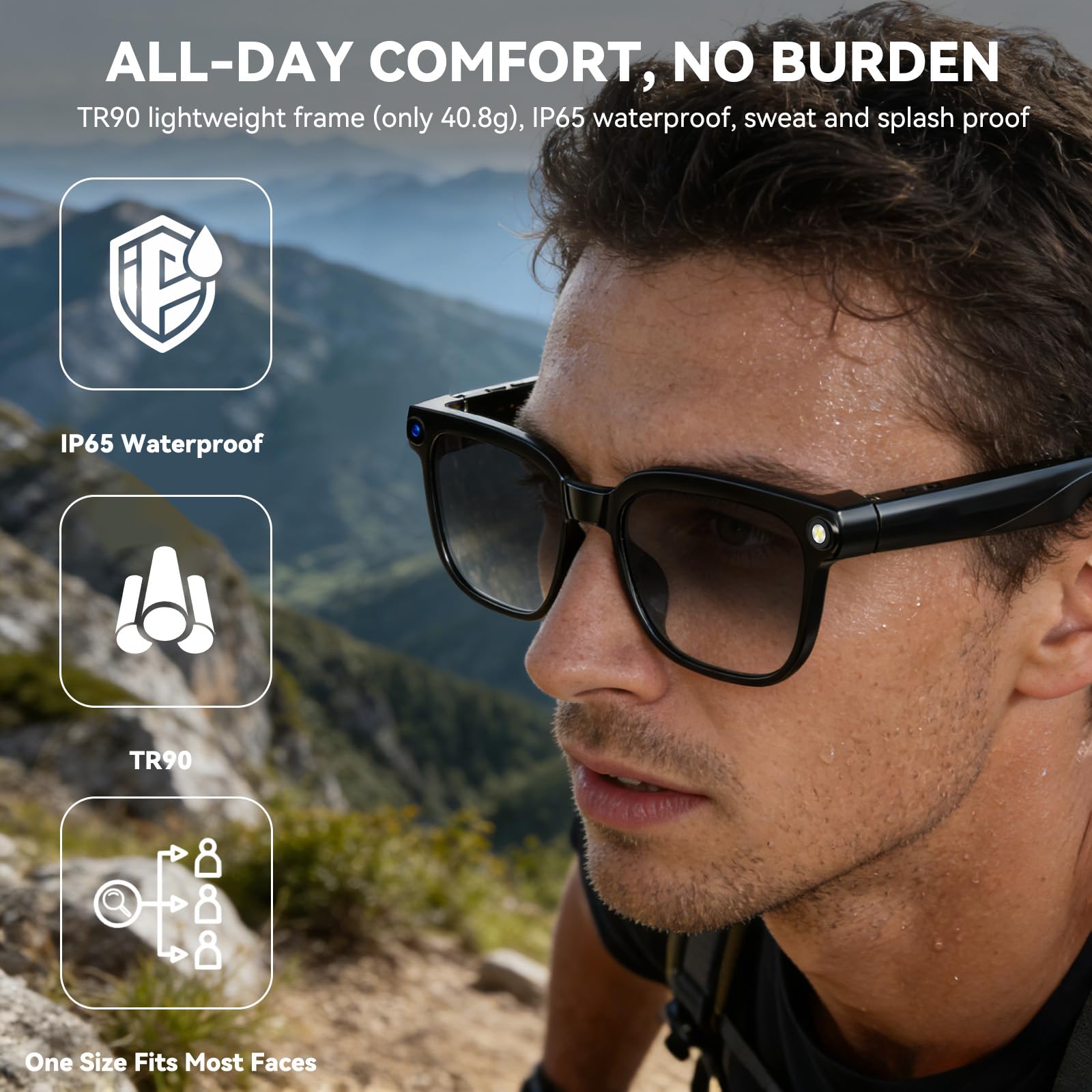
- 【Ultra-Light 40.8g (0.09lb) for All-Day Comfort & Long Battery Life】At just 40.8g, TR90 frame with ABS arms and PMMA lenses brings zero nose strain for all-day wear. IP65 splash-proof design with 290mAh battery supports 7h music playback and 7-day standby for long journeys.
-
【Photochromic Lenses】Weighing only 40.8g, these lightweight glasses feature a TR90 frame, IP65 splash resistance and a 290mAh battery delivering 7 hours of music playback and 7-day standby for all-day comfort and long trips.
- Free Shipping
- 30-day easy return
- 1-Year Warranty


Trusted by Real People
Made for drivers, runners, and everyday wearers. Built to handle sun, rain, and the morning rush. Join 10,000+ who made the switch.
Frequently Asked Questions
No sound coming from the glasses?
1. Confirm the glasses are powered on and connected to your phone.
2. Check your phone's Bluetooth settings to see if the glasses are connected.
3. Try unpairing and re-pairing the glasses.
4. Restart both the glasses and your phone's Bluetooth, then re-pair the glasses.
Do the smart glasses need to be connected to a phone?
Some functions (such as data synchronization, making and receiving calls, and transferring photos) require a Bluetooth/Wi-Fi connection to the phone app, but basic functions (such as taking photos, recording audio, and recording video) can be used independently once connected to the app.
Bluetooth connection failure?
1. Ensure the glasses are in pairing mode (power on the glasses until the indicator light flashes).
2. Delete your phone's Bluetooth history (remove old devices in Bluetooth settings).
3. Restart both your phone and glasses.
4. Try connecting with another phone (to determine if the problem is with the glasses or the phone).
5. Restore factory settings.
Bluetooth frequently disconnects?
1. Use close to your phone (ideally within 3 meters).
2. Turn off other Bluetooth devices (to reduce interference).
3. Update your glasses and the app.
Which app version should I download? System compatibility?
1. For a better user experience, please download the latest version of the app.
2. Your phone system needs Android 9.0 or higher, or iOS 13.0 or higher to install and use.
How do I control taking photos or videos?
1. You can learn how to take photos and videos on the homepage.
2. You can learn how to control it in My - New User Guide.
Can I answer calls? How is call privacy protected?
Bluetooth calls are supported, but open speakers may leak sound. For privacy calls, it is recommended to use a headset or lower the volume.
Will there be a prompt when taking photos/videos/recording audio?
There will be a prompt via indicator light or sound, but please be aware of local privacy regulations to avoid unauthorized filming of others.
Why does WiFi connection fail when importing photos/videos/audio?
1. Ensure your phone's Wi-Fi is turned on and can connect to the glasses' Wi-Fi during import.
2. Ensure both the glasses and your Wi-Fi are up-to-date.
3. Restart the glasses and the app.
Where are photos/videos/audio recordings stored?
1. Primarily stored in the glasses' local memory (temporary storage).
2. After connecting, they can be transferred to the app.
What happens when local storage is full?
It is recommended to periodically connect to the app to sync data. After syncing: Content uploaded to the app will automatically have its local storage space on the glasses cleared and released.
Will synced content be lost?
No, storage is permanent unless you manually delete it.


